Give pre-loved things a new beginning, right here in your neighborhood.
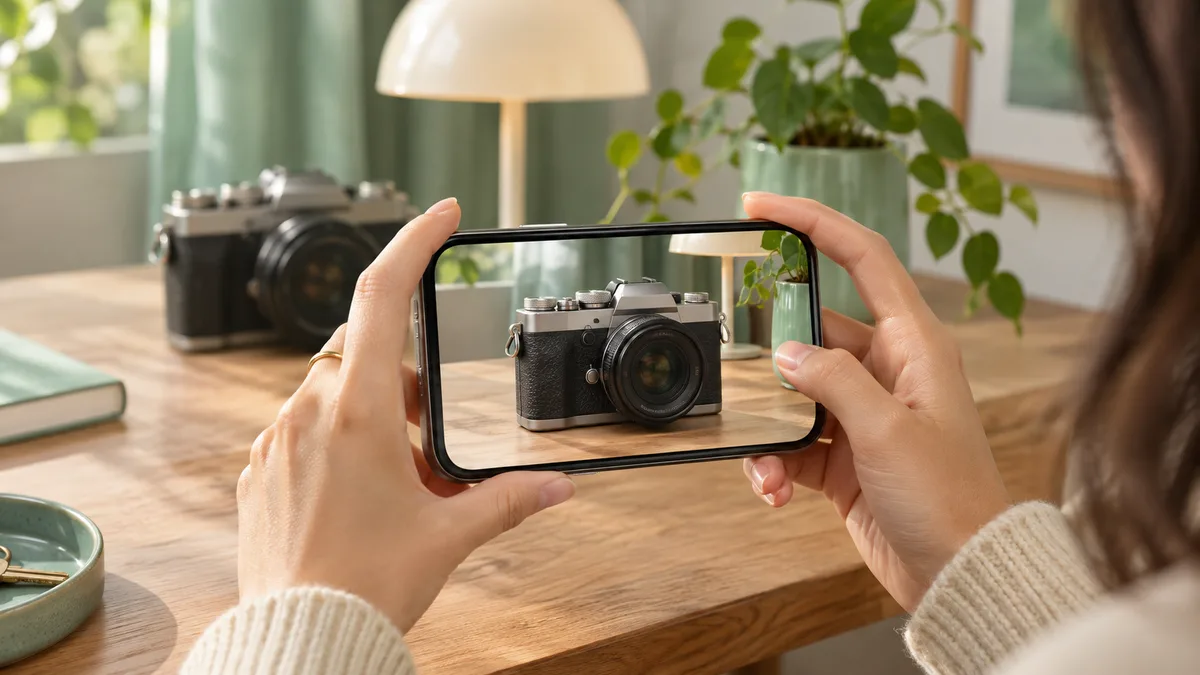
Add up to 10 photos, describe your item, and choose a price. Your next sale starts with a simple listing.
Ask the seller a question in Messages. Agree on a public meeting place and inspect the item before paying.
Tap the bookmark on a listing to keep it in Saved. Compare your finds and come back when you’re ready.
Search by item name, then choose a category to narrow down your nearby finds.
Use All nearby to choose a region and district in your selected country.
Add clear photos from different angles. Put your best photo first to make it the cover.
Choose the item’s condition and mention signs of wear. Honest details help buyers decide.
Set minimum and maximum prices, then sort from low to high to find items in your budget.
New listing prices use so‘m in Uzbekistan and won in Korea. Check the amount before publishing.
Mark your item reserved when a pickup is arranged, and sold when the exchange is complete.
Open Your listings to edit details and photos, change availability, or remove an item.
Share photos and files in Messages when a buyer needs more information about your item.
Add a profile photo and display name so neighbors can recognize you in conversations.
Keep your home address private. Choose a public meeting place and inspect the item together.